Instant Access
Your email and password are all you need to reach the full Trino Casino lobby, live casino, sportsbook and cashier from any device.
Everything About the Login at Trino Casino
One click to your 12,000-game lobby, live tables, sportsbook and weekly cashback rewards.
Keeping Your Account Secure
What You Should Do
What You Should Avoid
Logging In Made Easy
Instant Access
Your email and password are all you need to reach the full Trino Casino lobby, live casino, sportsbook and cashier from any device.
Secure Session
Every login session is protected by SSL encryption. All data between your device and our servers is encrypted end-to-end.
Mobile and Desktop Ready
The login form works identically on desktop browsers, mobile browsers and the Trino PWA installed to your home screen.
Accessing your Trino account is a single-step process: enter the email address and password you registered with, and you land directly in the lobby. The login page is the same entry point for slots, live casino, sports betting, the cashier and your loyalty program dashboard.
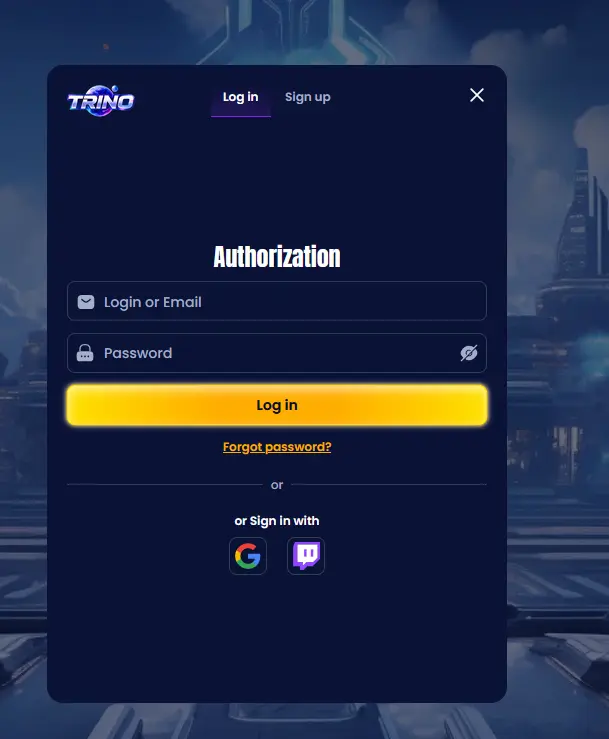
Trino uses a standard email-plus-password authentication system. There is no separate username field - your registered email address is your identifier. Returning players can also tick the “Remember me” option on trusted personal devices so that the login form pre-fills on future visits.
Getting from the homepage to your favourite slot or live table takes seconds across every platform.
Navigate to trinoslots.com. The “Log In” button sits in the top-right corner of the navigation bar. Click it, enter your email address and password, and press the green sign-in button. You will land on the lobby page, where all game categories, the sportsbook and the cashier are immediately accessible from the main menu.
Open trinoslots.com in your mobile browser (Chrome on Android, Safari on iOS). The hamburger menu in the top corner reveals the login option. Tap “Log In”, enter your credentials and confirm. The mobile layout scales the entire casino interface to your screen, including live tables, the sportsbook and your account balance.
If you have installed the Trino PWA to your home screen, tap the icon to launch it. The PWA opens in full-screen mode and keeps you logged in between sessions on your personal device, so you can often reach the lobby without entering your credentials again. When a new session does require sign-in, the same email and password apply.
Login problems almost always have a quick fix. Work through the following before contacting support.
Password issues are the most common cause. Click “Forgot Password” on the login screen, enter your registered email address, and check your inbox (and spam folder) for the reset link. Set a new password and try again.
If the login page shows an error message about your account being temporarily locked, it is likely because several incorrect password attempts triggered a security hold. Use the password reset flow or email [email protected] to have the lock cleared.
Players who registered with a different email address sometimes try to log in with a secondary address. If you are uncertain which address you used, email [email protected] from any account and the team can identify the registration email for you.
Browser-side issues such as a corrupted cache can occasionally prevent the page from loading correctly. Clear your browser cache and cookies, then reload trinoslots.com before attempting to log in again.
A strong password is the single most effective safeguard for your Trino account. Use a combination of uppercase and lowercase letters, numbers and at least one special character, and avoid passwords you use on other websites. Trino never asks for your password via email or live chat; any message requesting it should be reported to [email protected] immediately.
All sessions are conducted over SSL-encrypted connections, meaning your credentials and session data cannot be intercepted in transit. If you step away from a shared computer mid-session, use the account menu to log out before leaving.
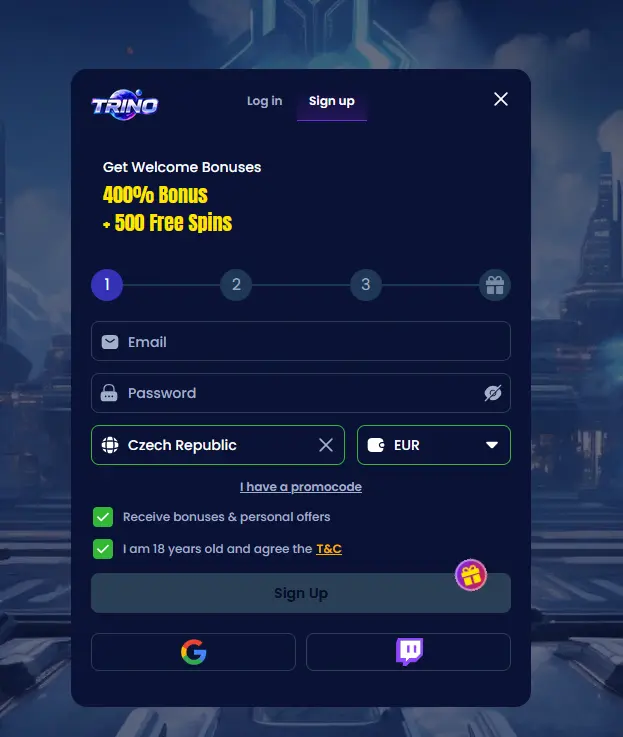
If you have not yet registered, you can create a new account directly from the homepage. Registration takes under two minutes and requires only an email address, a password and your date of birth confirming you are 18 or over. Once registered, you become immediately eligible for the four-part welcome package worth up to A$9,500 plus 500 free spins. 18+ only. T&Cs apply.
Login Questions Answered
Click 'Forgot Password' on the login page, enter the email address linked to your account, and follow the reset link sent to your inbox. The link expires after 24 hours.
Multiple incorrect password entries trigger a temporary security lock to protect your account. Use the password reset function or contact [email protected] to unlock it.
Yes. The full trinoslots.com site is optimised for mobile browsers on both Android and iOS, so you can log in and play directly without installing the PWA.
Ready to Play? Sign In Now
Grab 400% up to A$9,500 and 500 free spins.
Join the Action Play responsibly: you must be 18 or over, and gambling carries risk. Full bonus terms and conditions apply.